Back to Blog
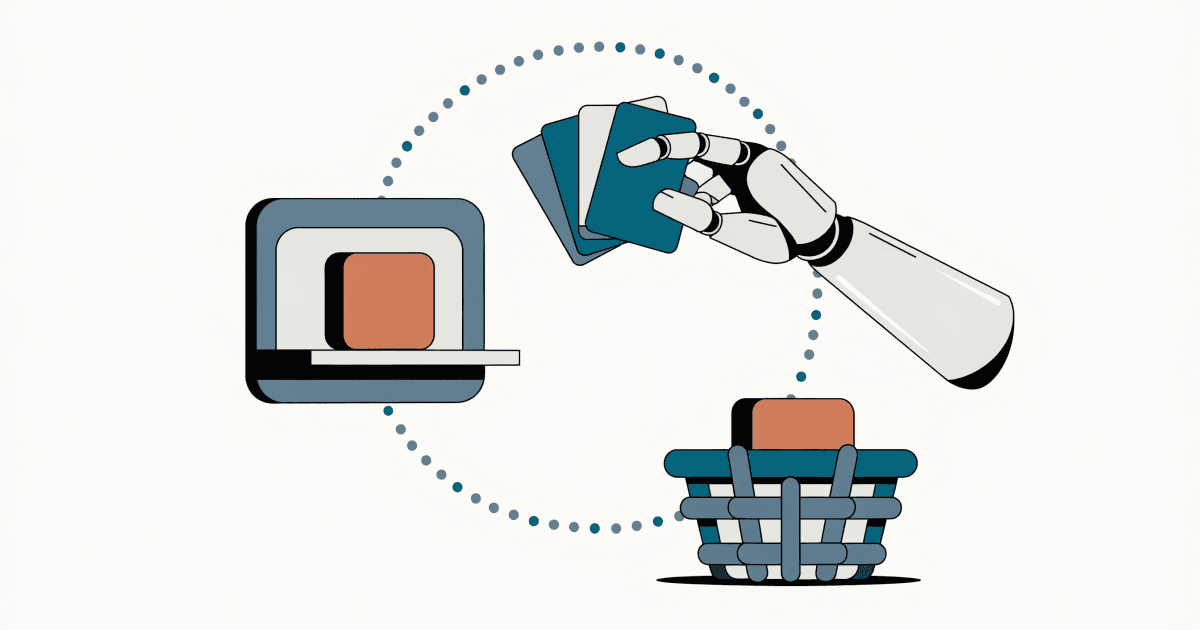
A stylized robotic hand selects a card from a browser window shelf and places a product parcel into a woven shopping basket along a dotted path.
Generative Engine Optimization (GEO)Intermediate

WebMCP Ships: Your Store Can Hand Agents Tools

Between July 28 and August 14, 2026, the agentic web's action layer shipped: a stateless MCP spec, Chrome's WebMCP API at milestone 146, and a zero-code Cloudflare toggle. Here is what a callable storefront means for sellers — and which tools to expose first.

6 min read
WebMCPAI AgentsAgentic CommerceGEOAI SearchShopify
TL;DR & Key Takeaways
TL;DR:

The agentic web moved from readable to callable this month. MCP 2026-07-28 went stateless, Cloudflare shipped a zero-code WebMCP toggle, and the W3C published the document.modelContext draft — while Chrome 146+ already runs the API. Storefront sellers can now declare tools an agent invokes instead of forcing it to reverse-engineer the page. Marketplace sellers stay platform-mediated. Expose search, variant availability, and compatibility tools first — narrow and read-only.

Key Takeaways:
  • WebMCP lets a page declare tools an agent can invoke — your storefront can hand an agent 'search,' 'check availability,' and 'compatibility' instead of making it guess at your buttons.
  • Chrome already ships the API: experimental at milestone 146, origin trial at 149, and stable Chrome is at 152.
  • Cloudflare's zero-code toggle exposes your site's tools with no origin changes — verify by fetching any page and grepping for 'webmcp.'
  • The tool you expose is the consent boundary: expose search and you authorize search; expose purchase and you authorize purchases.
  • Marketplace sellers cannot register tools on Etsy or Amazon pages — keep structured attributes complete until the platform ships its own agent tools.

The agentic web shipped this month — and it is not about search. It is about actions. Your product page can now hand an AI agent a set of tools and say “use these instead of guessing,” rather than forcing the agent to reverse-engineer your buttons.

Between July 28 and August 14, 2026, three independent pieces landed that move storefronts from readable to callable:

  • On July 28, the Model Context Protocol (MCP) specification went fully stateless, removing the session handshake that made MCP servers expensive to run.
  • On August 6, Cloudflare’s Agents Week shipped a zero-code WebMCP toggle that exposes your site’s tools to browser agents with no changes at your origin.
  • On August 14, the W3C Web Machine Learning Community Group published an updated WebMCP draft that defines the document.modelContext interface in full.

And the browser side is already on your customers’ machines. Chrome’s feature tracker lists WebMCP as shipping experimentally at milestone 146, with an origin-trial stage at 149. The current stable release is 152, so the API is present in the Chrome your shoppers already run.

Why this changes the seller question

For two years, GEO for marketplace sellers has asked one question: will the AI cite or recommend your product? Citation work is about getting into the answer. WebMCP adds a second, harder question: once the agent is on your page, can it do anything?

Cloudflare’s network data makes the urgency concrete: fewer than half of all HTML page requests now come from a human. The rest are agents, crawlers, and shopping assistants reading pages the way a buyer never will. An agent that has to reverse-engineer your page — parse the HTML, guess which button means “add to cart,” synthesize the click — is slow, error-prone, and more likely to hand the task back to the human. An agent that finds a declared tool named add_to_cart with a schema describing its arguments completes the task in one call. The difference is the difference between a browser extension that works sometimes and a native integration that works every time.

< 50%
of HTML page requests now come from a human, per Cloudflare network data
Source: Cloudflare

What WebMCP actually is

WebMCP is a draft browser API. A page calls document.modelContext.registerTool(...) to declare a JavaScript function with a natural-language description and a structured input schema. A browser-hosted agent — built into the browser or provided through it — can discover these tools, read their descriptions, and invoke them on the visitor’s behalf.

Three properties matter for sellers. First, tools run in the page, with the visitor’s existing session and login — so a logged-in shopper’s agent acts with that shopper’s identity. Second, access is gated behind a permissions policy that defaults to the site’s own origin, so you control which contexts can call your tools. Third, the spec’s own security section is explicit that an authenticated session lets tools perform high-privilege actions — purchases, account changes, data sharing — without additional verification. The tool boundary is the consent boundary.

For a marketplace seller, the practical read is: the tool you expose is the surface you are authorizing an agent to touch. Expose a search tool, and you have authorized search. Expose a purchase tool, and you have authorized purchases. The spec makes this explicit because it matters.

The zero-code path (Cloudflare)

Cloudflare’s preview removes the “we don’t have engineers” objection. From the dashboard’s Agent Readiness → WebMCP screen, you toggle WebMCP on for a domain. Cloudflare injects a small bridge at the edge — no change to your origin — that registers tools for visiting agents.

The preview ships with two tool packs. The Content Credentials pack reads C2PA provenance metadata from images, so an agent can answer “is this image AI-generated?” locally. The Site MCP Server pack proxies tools your own MCP server already advertises, so a storefront with an MCP endpoint can surface its product tools to any agent browsing the page. Both run entirely in the visitor’s browser.

To confirm it is live, fetch any HTML page and look for the injected line — curl -s https://your-site | grep webmcp. You do not need your own agent to verify.

Chrome 146
first milestone shipping WebMCP experimentally; stable Chrome is at 152
Source: Chrome Platform Status

Why the stateless MCP rewrite matters

The July 28 MCP spec is the quiet but consequential half of this story. Earlier MCP required a stateful session: a client and server negotiated a session ID, and every request had to find that session’s state. That made MCP servers hard to host on autoscaling infrastructure — which, in practice, meant few storefronts bothered.

The new spec removes the handshake entirely. Each request is self-contained. New Mcp-Method and Mcp-Name headers mean an ordinary HTTP gateway can see whether a request calls tools/list or tools/call without parsing the body — so rate limiting, logging, and routing work the way they already do for the rest of your site. Elicitation (when a tool needs more input) became a “return an input_required result and let the client retry” pattern that needs no open stream.

The effect for a storefront: an MCP endpoint is now cheap to run and cheap to expose, which is exactly what makes a WebMCP “Site MCP Server” pack worth turning on. The barrier fell from “stand up stateful infrastructure” to “serve one stateless endpoint.”

Marketplace sellers vs. storefront sellers

The honest split: if you sell on Etsy or Amazon, you do not control the page, so you cannot register tools on it. Your path is platform-mediated — the same wait-for-the-platform posture that agentic-commerce coverage in this archive describes. What you can do now is keep the structured attributes those future tools will read — price, variants, compatibility, returns — complete and accurate, because a platform’s agent tools will read the same fields a human buyer does.

If you sell on Shopify on your own domain, this is directly actionable today. You can expose a search_products tool, a check_variant_availability tool, or a compatibility tool that answers the sizing and compatibility questions your support inbox keeps repeating. If you are behind Cloudflare, the dashboard toggle is the fastest on-ramp.

Which tools to expose first

Start with the questions your customers already ask, because those are the tools an agent will reach for first:

  1. Search with filters — “show me teal wall art under $80 that ships to Canada.” A declared search tool with a filter schema beats an agent guessing at your faceted navigation.
  2. Variant availability and price — “is this available in 18x24, framed?” One call instead of navigating every variant.
  3. Compatibility and fit — the sizing charts and software-compatibility answers that currently live in a dense description.

Keep the tool set narrow and read-only at first. The spec’s security model rewards restraint: expose the tools you are confident an agent should invoke, and keep purchase-mutating actions behind explicit confirmation until you have watched how agents actually use the tools you expose.

One caution from the archive: the same week Cloudflare shipped the callable web, it also shipped bot defenses that can block or mislead agents. If your store is behind aggressive bot rules, an agent may never reach the tools you just exposed. The two halves — “let agents in” and “give agents tools” — have to be configured together.

How FirstShelf can help

The callable storefront rewards the same discipline as the readable one: complete, structured, accurate product data. A tool is only as good as the fields it reads, and a description an agent misreads is a sale that went to a competitor’s page.

FirstShelf audits your listings the way an agent reads them — structure, entity authority, platform compliance — and flags the specific gaps that will break a future tool or a current citation. When WebMCP tools arrive on your platform, your listings are already legible to them.

Make your listings legible to the agents that act

FirstShelf audits your product data the way an agent reads it, so you are ready the day WebMCP tools arrive on your platform.

Audit my listings

Frequently Asked Questions

Do I need to be on Cloudflare to use WebMCP?

No. WebMCP is a browser API any site can implement by calling document.modelContext.registerTool with a tool description and schema. Cloudflare's toggle is simply the fastest zero-code path if your storefront is already behind Cloudflare; a Shopify store on its own domain can also expose tools through a custom app or an MCP endpoint.

Will an agent be able to buy things without my customer confirming?

The spec's security section is explicit that an authenticated session lets tools perform high-privilege actions like purchases without additional verification. That is why the tool you expose is the consent surface. Start read-only — search, availability, compatibility — and gate purchase-mutating actions behind explicit confirmation flows until you have observed how agents actually use your tools.

Does this matter if I sell on Etsy or Amazon?

Not directly, because you do not control the page and cannot register tools on it. Your path is platform-mediated: when a marketplace ships its own agent tools, those tools will read the same structured fields a human buyer does. Keep price, variants, compatibility, and returns data complete and accurate now so you are legible the day those tools arrive.

Glossary

WebMCP
A draft browser API (document.modelContext) that lets a web page declare JavaScript tools an AI agent can discover and invoke on a visitor's behalf.
Model Context Protocol (MCP)
An open protocol for connecting AI applications to external tools and data; the 2026-07-28 revision made it fully stateless.
Origin trial
A Chrome program that lets a site opt into an experimental web feature at full scale for a limited time before it ships by default.

Sources