Back to Blog
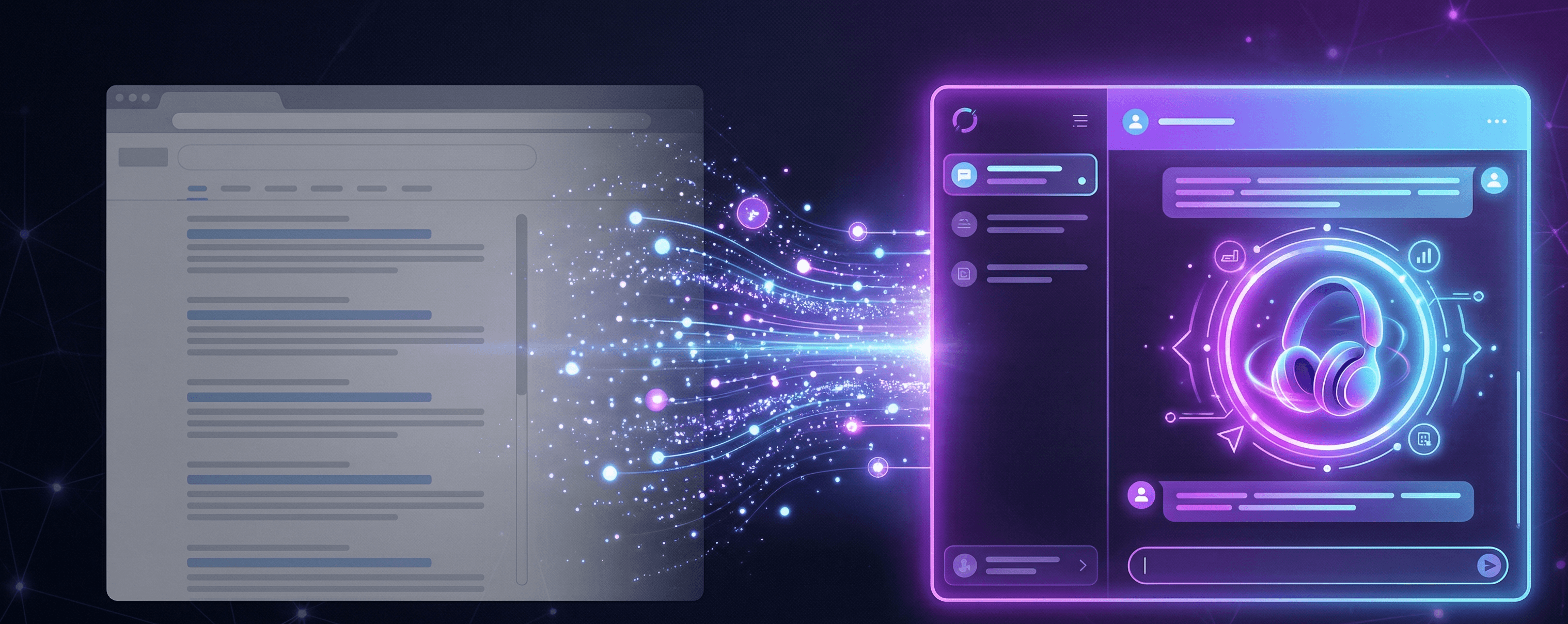
Illustration showing the shift from traditional search engine results with blue links to a single   AI-generated product recommendation, representing how AI SEO replaces ranking-based discovery with   citation-based visibility
AI Search StrategyIntermediate

AI SEO 2026: Cite Shopify Listing Fields

AI SEO for a Shopify seller is not a blog playbook. It is Title, Description, category metafields, variants, and policies written so an assistant can quote the product without guessing.

•
6 min read
•
AI SEOShopify listingGEOCatalogCitation
TL;DR & Key Takeaways
TL;DR:

AI SEO on a Shopify catalog is citation-ready listing fields, not a second website. Shopify tells you Catalog and AI platforms read Title, Description, Images, Type, Vendor, Tags, Barcode, Variants (option names), and store policies. Write those so a shopper question has a one-sentence answer on the product. Do not paste manufacturer copy. Do not stuff shipping slogans into the description.

Key Takeaways:
  • For a Shopify seller, AI SEO is the product Admin, not a thought-leadership blog.
  • Shopify Catalog names the fields AI platforms consider: Title, Description, Images, organization fields, Barcode, Variants/option names, plus store policies.
  • Write Title as the product plus the distinguishing fact; put buyer-question answers in the first lines of Description.
  • Put attributes in Category metafields (size, fabric, compatibility), not only in prose.
  • Policies and variant availability are what an assistant quotes when the shopper asks “can I buy this / can I return it?”

If you sell on Shopify, AI SEO is not “write more blogs so ChatGPT notices you.” It is whether the product record an assistant reads can be quoted without guessing.

The definition triangle — SEO vs using AI to do SEO vs GEO — is already in GEO vs SEO vs AI SEO: The Product Playbook. This page is the listing loop: which Admin fields to write, in what order, so a product can be cited. That is GEO for marketplace sellers at the product, not at Search Console.

Shopify’s Catalog documentation is the primary list. Products that meet Catalog requirements are included by default. To improve how they show in AI platforms and shopping sites, Shopify tells you to make product information clear, accurate, and detailed. The details those systems consider are:

  • Title
  • Description
  • Images
  • Type, Vendor, Collections, Tags
  • Barcode (ISBN, UPC, GTIN)
  • Variants, including option name
  • External product URL, on the Shopify Agentic plan

It also tells you to keep store policies current so that when a customer asks about returns in an AI interaction, the agent can reference what you stored in Shopify.

That is the citation surface. Everything below is how to fill it.

1. Title: one product, one distinguishing fact

Google Merchant Center requires a title for every product (1–150 characters). It must clearly identify what you sell, match the landing page, and distinguish variants. Do not put price, sale dates, shipping promises, or the company slogan in the title. Do not shout in all caps.

On Shopify, that title is the product Title field, not the search-engine listing snippet and not a blog headline.

Write it as: product + the fact a shopper uses to pick this one (size system, material, pack count, compatibility). If you sell a navy merino crew in S–XL, the title should say that — not “Best Premium Shirt – Free Shipping.” Google also wants those variant facts in the matching attributes (color, size), not only in the words.

If Title is vague, an assistant has nothing specific to cite. It will cite a competitor whose title already contains the answer.

2. Description: first lines must stand alone

Shopify’s product Description is rich text. Shopify’s own product-details help tells resellers not to use the manufacturer’s exact description, because you want the listing unique to search engines.

Google’s description attribute (1–5,000 characters) is stricter about what that prose is for: describe this product, not your brand story, not other SKUs, not promotional shipping. If you skip description, Google warns that similar products with a description may be prioritized. Long text that does not fit is truncated.

Citation-ready description, in practice:

  • Open with a sentence a shopper (or an assistant) could quote: what it is, who it is for, the constraint it satisfies (“A4 printable budget planner with a tax set-aside page for irregular freelance income”).
  • Next lines: facts that live poorly in Title — material, included files, fit, what is not included.
  • Do not spend the first screen on “Welcome to our shop.”
  • Do not duplicate the shipping policy in the description. Put shipping in Settings → Policies. Google does not want delivery claims in description text; Shopify wants the agent to read the policy record.

If you only change one thing this week, rewrite the first 400 characters of Description so they would still make sense pasted into a chat answer.

3. Category metafields: attributes, not adjectives

A Shopify Category is one Standard Product Taxonomy value for the whole product. It unlocks category metafields (Shopify also calls them product attributes): for a shirt, size, neckline, sleeve length, fabric, age group, color, and similar.

Those fields exist so marketplaces and search engines get structured values instead of adjectives buried in prose. Fill them. Connect color/size metafields to variant options when that is how you sell.

Shopify Product GEO is the longer clinic on this surface. The citation rule here is simple: if an assistant has to infer “cotton” from a lifestyle paragraph, you left the attribute blank.

Type, Vendor, Tags, and Collections are organization fields Shopify also lists for AI/shopping. Use them as facts (vendor = the brand on the product; tags = words a store search would use), not as a dumping ground for every keyword you can think of.

4. Variants and barcode: so the citation is buyable

Shopify Catalog includes Variants, including option name. Name options the way a shopper asks (“Size”, “Color”, “Pack”), not “Option1.” Each variant needs its own price and inventory if they differ. Google’s title rules say to distinguish variants in the title and in the proper attributes.

Barcode is the GTIN/UPC/EAN/ISBN. Shopify notes some channels will not publish without it. Google uses a correct GTIN to match the same product across the web and can disapprove a wrong one. If the product has a real barcode, put it in. If it does not, do not invent one.

A cited product that cannot be matched to a variant or identifier is a recommendation that dies at checkout.

5. Policies and FAQs: what the agent says when they ask “can I?”

Shopify’s Catalog page calls out complete store policies (returns, shipping, terms) specifically for AI interactions. Those live under Settings → Policies, then show in checkout. A return answer that only exists in a product description will drift from the policy an agent is told to trust.

Shopify also points merchants at the Knowledge Base app to review auto-generated facts and to write Q&As AI platforms use. That is store-level, not a product field. Treat it as the place for “Do you ship to the EU?” not for “What size is this tee?” — size belongs on the variant. The FAQ compilation trap is covered in AI Agents Quote FAQs You Never Wrote.

6. The weekly loop (one product)

Pick one SKU that should be easy to recommend. In Admin:

  1. Title = product + distinguishing fact.
  2. Description first lines = a quotable answer; no manufacturer paste; no shipping slogans.
  3. Category set; metafields filled; option names are shopper words.
  4. Barcode if it exists; inventory true.
  5. Shipping and return policies saved under Settings → Policies, and they match what you would tell a customer.

Then read the storefront product page. If a sentence you need is only in your head, it is not on the listing.

This loop does not guarantee ChatGPT, Google, or Shopify will cite you. It is the work those systems document as the product data they read.

How FirstShelf can help

FirstShelf runs GEO for marketplace sellers: inspect the Shopify fields an assistant actually quotes — Title, Description, category metafields, variants, media, policies — and show what to fix on that listing. It is a listing audit, not a schema cleanup and not a blog calendar.

See which listing fields block citation

Inspect Title, Description, metafields, variants, and policies on one product.

Run a listing audit

Frequently Asked Questions

Is this the same as GEO vs SEO vs AI SEO?

No. That playbook defines the terms. This page is the Shopify Admin loop for citation-ready fields.

Should I still write blog posts for AI SEO?

Blog posts do not fill Title, Description, metafields, or policies. If the product cannot be quoted, the blog will not save it.

Where do shipping promises go?

Settings → Policies (and shipping settings), not the first lines of Description. Shopify tells agents to use the stored policy; Google tells you not to put promo/shipping claims in description.

Glossary

AI SEO
For a Shopify seller: writing listing fields so an assistant can cite and recommend the product.
Category metafield
A structured product attribute unlocked by Shopify’s Standard Product Taxonomy category.
GTIN
The barcode identifier stored in Shopify’s Barcode field.
Store policy
Return, shipping, and terms records under Settings → Policies that Shopify says AI agents can reference.

Sources